Designing Your Processing Environment
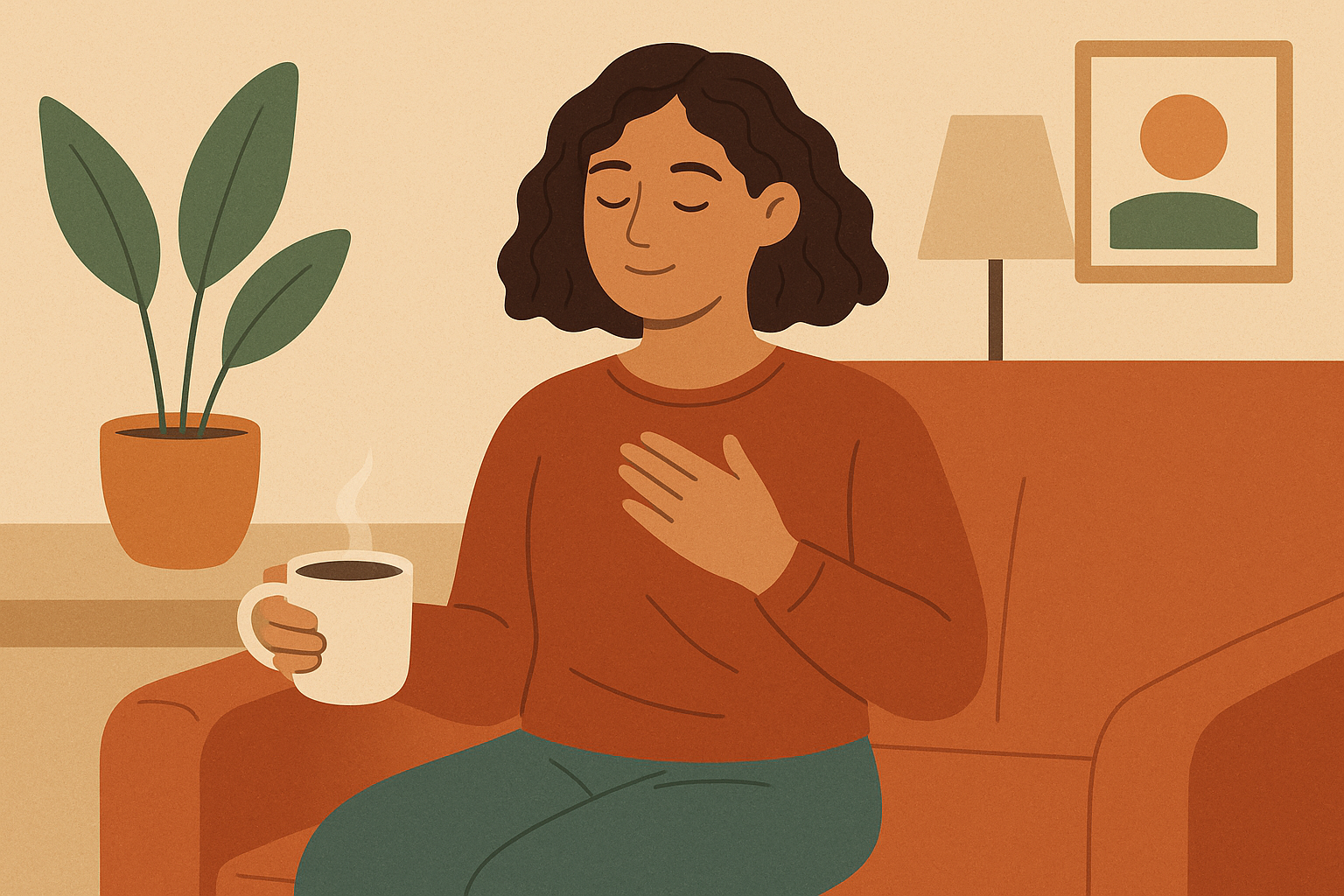
A processing environment is the physical, sensory, and digital space you set up before a self-guided EMDR session — private, comfortable, low in distractions, and arranged to signal safety to your nervous system. Key elements include an interruption-free location, supportive seating, manageable lighting and temperature, silenced devices, and small grounding tools (water, tissues, a comfort object) within reach. A well-designed environment helps your brain shift into the receptive state where bilateral stimulation can do its work.
The environment where you use EmEase matters more than you might think. Creating a supportive space for your processing sessions can significantly improve your experience and results. This guide will help you design an environment that supports your emotional processing work, making your sessions more effective and comfortable.
Think of your processing environment as the container that holds your wellness journey. Just as you might prepare a special space for meditation or important work, creating an intentional environment for EmEase sessions shows respect for your wellness process and helps signal to your mind that it’s safe to explore difficult material.
Key takeaways
- Privacy is the non-negotiable — choose a location where you won’t be overheard or interrupted; a closed bedroom, empty home, parked car, or private office all work.
- Comfort removes friction — supportive seating, unrestricted clothing, pleasant temperature, and adequate lighting prevent physical discomfort from pulling you out of the processing state.
- Safety cues calm the nervous system — facing the door, having your back protected, keeping water and tissues nearby, and knowing you have an exit help your body feel secure enough to engage with difficult material.
- Match the environment to the stimulus — visual sessions need an eye-level screen and plain background; audio sessions need stereo headphones and tested volume; combined stimulation needs extra setup time.
- Ritual marks the transition — small opening and closing practices (three breaths, a body scan, a sip of water, brief notes) signal to your brain when processing begins and ends.
The Basics of a Good Processing Environment
Privacy Matters
Privacy is essential for effective processing work. Choose a location where you won’t be interrupted or overheard. This might be:
- A bedroom with the door closed
- A quiet corner of your home during times when others are away
- A parked car (sometimes the best option when home doesn’t offer privacy)
- A private office space
Let others in your household know you need uninterrupted time. You might say something like “I need 30 minutes of quiet time for myself” without having to explain details if you prefer not to.
Physical Comfort
Your body needs to be comfortable enough that physical discomfort doesn’t distract from your processing work. Consider these elements:
- A supportive chair that allows you to sit upright comfortably
- Comfortable clothing that doesn’t restrict movement or breathing
- Room temperature that feels pleasant to you
- Adequate lighting that doesn’t strain your eyes
- A blanket nearby if you tend to get cold during emotional processing
Many users find that a slightly reclined position works well, allowing relaxation while still maintaining alertness.
Minimizing Distractions
External distractions can pull you out of the processing state. Take steps to minimize interruptions:
- Turn off notifications on other devices
- Put your phone in Do Not Disturb mode (except for the EmEase app)
- Choose a time when household activity is minimal
- Consider using a white noise machine or app if environmental sounds are distracting
- Have pets settled or in another room if they might demand attention
Remember that some background sounds are normal and won’t ruin your session. The goal is reducing major distractions, not creating perfect silence.
Creating a Sense of Safety
Physical Boundaries
Clear physical boundaries help create a sense of safety during vulnerable emotional work:
- Position yourself facing the door if possible (many people feel more secure when they can see the entrance)
- Consider having your back against a wall rather than exposed
- Maintain personal space around you, free from clutter
- Ensure you have easy access to exit if needed
These subtle adjustments can help your nervous system feel more secure, even if you don’t consciously notice the difference.
Emotional Safety Tools
Have resources ready to support emotional regulation:
- Keep water within reach for grounding and hydration
- Have tissues available if emotional release brings tears
- Consider having a comfort object nearby (a soft pillow, stress ball, or meaningful item)
- Keep your phone accessible in case you need support
Many users create a small “emotional first aid kit” with items that help them feel grounded and safe.
Optimizing for Different Stimulus Types
For Visual Bilateral Stimulation
When using the moving ball for visual processing:
- Position your device at eye level to avoid neck strain
- Sit far enough from the screen that you can see the full movement path without turning your head
- Adjust screen brightness to a comfortable level that doesn’t cause eye strain
- Consider using a device stand to maintain proper positioning
- Ensure the background behind your device is relatively plain to avoid visual distractions
For Audio Bilateral Stimulation
When using audio tones for processing:
- Use headphones for the clearest bilateral effect
- Test volume levels before beginning your session
- Choose a comfortable headphone style that won’t become irritating during your session
- Consider noise-canceling headphones if environmental sounds are distracting
- Make sure your headphones are fully charged or connected
For Combined Stimulation
If using both visual and audio stimulation:
- Take extra time to set up both elements comfortably before beginning
- Test that both are working properly
- Adjust the balance between visual and audio elements to your preference
- Be willing to simplify if the combination feels overwhelming
If you’re still deciding which stimulus type suits you best, our guide to choosing between visual, audio, and combined bilateral stimulation walks through how each option engages the nervous system and when to switch.
Time Considerations
Scheduling Wisely
When you schedule your sessions can impact their effectiveness:
- Avoid scheduling sessions right before important meetings or events
- Allow buffer time after sessions for integration and self-care
- Consider your natural energy patterns—many people find mid-morning or early evening works well
- Weekends or days off might offer more relaxed processing time
- Regular timing helps build a routine that supports your practice
Session Duration
Plan your time realistically:
- Allow 5-10 minutes before your session for setup and centering
- Start with 15-20 minute processing sessions as you learn the app
- Include 5-10 minutes after for reflection and grounding
- Total time needed is typically 30-45 minutes for a complete experience
Creating Ritual and Routine
Opening Rituals
Simple rituals can help your mind transition into processing mode:
- Take three deep breaths before beginning
- Say a brief personal statement of intention
- Perform a quick body scan to check in with yourself
- Take a sip of water mindfully
- Adjust your posture intentionally
These small actions signal to your brain that you’re entering a different mode of awareness.
Closing Practices
Similarly, closing rituals help transition back to everyday awareness:
- Take a moment to stretch gently
- Write brief notes about your experience
- Take several conscious breaths
- Touch something with an interesting texture to ground yourself
- Look around the room and name a few objects you see
For a fuller set of practices to support the hours and days after a session, see our guide to self-care after EMDR processing.
Environmental Elements That Support Processing
Light
Lighting affects mood and focus:
- Natural light is ideal for most people, but not directly in your eyes
- Soft, warm artificial lighting tends to feel more supportive than harsh overhead lights
- Some people prefer dimmer lighting for deeper emotional work
- Experiment to find what helps you feel both alert and relaxed
Sound
Background sound can either support or hinder your work:
- Some people prefer complete quiet
- Others find gentle instrumental music helpful (if not using audio bilateral stimulation)
- Nature sounds work well for many users
- Consistent background noise like a fan can mask distracting sounds
Scent
Our sense of smell connects directly to emotional processing:
- Simple, natural scents like lavender or citrus can promote relaxation
- Avoid strong or complex fragrances that might become distracting
- A familiar, comforting scent can help establish a sense of safety
- Be mindful that scents might become linked with processing experiences
Temperature
Body temperature often changes during emotional processing:
- Keep the room slightly cooler than usual as emotional activation can increase body temperature
- Have an extra layer available in case you feel chilled
- Consider keeping a small fan nearby if you tend to feel warm during emotional work
Digital Environment Considerations
Device Settings
Optimize your device for distraction-free processing:
- Enable Do Not Disturb or Focus mode
- Close unnecessary apps running in background
- Ensure your battery is charged or device is plugged in
- Adjust screen brightness to a comfortable level
- Consider using Night Shift or similar features to reduce blue light
App Settings
Customize EmEase settings before beginning:
- Set your preferred movement pattern and speed in advance
- Adjust ball size to what feels most comfortable for your vision
- Test audio levels if using sound
- Configure session duration and processing sets to your preference
Adapting to Different Situations
When Traveling
Maintain consistency even when away from home:
- Pack a small comfort item that travels easily
- Use headphones to create audio privacy in shared spaces
- Consider a travel-sized scent that reminds you of your usual processing space
- Identify potential private locations in advance
- A scarf or shawl can create a sense of personal space in unfamiliar environments
With Limited Space
Even in small living situations, you can create an effective environment:
- Use time rather than space to create privacy
- Transform a multipurpose area temporarily with simple changes
- A special cushion or throw can designate “processing space”
- Headphones can create audio boundaries
- Even a corner of a room can become a dedicated space with intentional setup
Troubleshooting Common Environmental Challenges
Noisy Households
When quiet isn’t possible:
- Use noise-canceling headphones
- Process during typically quieter times
- Communicate your needs clearly to household members
- White noise machines can mask variable sounds
- A “do not disturb” sign can help remind others
Limited Privacy
When finding private space is difficult:
- Use a parked car for privacy
- Process early morning or late evening when others are asleep
- Consider using public spaces like library study rooms or park benches for less intense processing
- Be creative with scheduling to use shared spaces when others are out
Technology Issues
Preventing technical problems:
- Test your setup before beginning emotional work
- Keep devices charged or plugged in
- Close background apps that might interrupt
- Have a backup plan if your primary device fails
- Consider downloading any necessary content if internet connectivity is unreliable
Conclusion
Your processing environment plays a crucial role in supporting your emotional processing work with EmEase. By thoughtfully designing this space—both physically and digitally—you create conditions that allow deeper processing and greater comfort during challenging emotional work.
Remember that creating your ideal environment is an evolving process. Pay attention to what elements help you feel safe, focused, and supported. Make notes after sessions about environmental factors that seemed to help or hinder your experience.
You don’t need a perfect environment to benefit from EmEase. Even implementing a few of these suggestions can significantly improve your processing experience. Start with the elements that seem most important for your situation, and gradually refine your environment as you continue your wellness journey. If you’re still orienting to the app itself, our overview of getting started with self-directed EMDR in EmEase covers account setup, dashboard basics, and your first session end-to-end.
The care you take in creating your processing environment reflects the value you place on your emotional wellbeing. This intentional approach honors the important work you’re doing and creates a foundation for meaningful experiences with EmEase.